
MABest slicer for AMS workflows
MakerTom87 · 2024-03-12 Verified
MakerTom87 · 2024-03-12 Verified
Switched from Cura and never looked back. The AMS color mapping alone saves me hours of manual filament swapping.
Bambu Studio is a polished, feature-rich slicer that pairs exceptionally well with Bambu Lab's printer lineup, offering fast slicing, smart calibration, and effortless multi-material workflows through AMS integration.
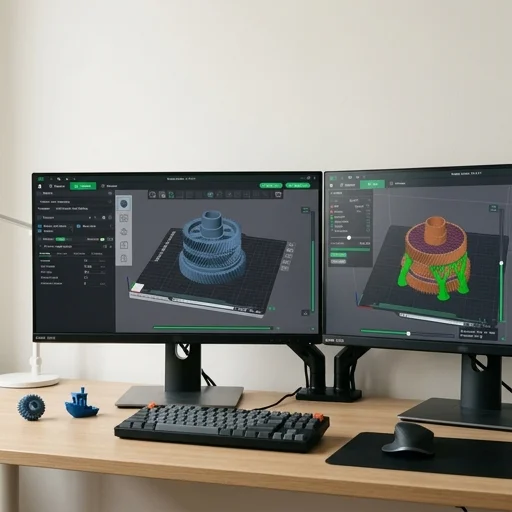 Bench unit
Bambu Studio is a polished, feature-rich slicer that pairs exceptionally well with Bambu Lab's printer lineup, offering fast slicing, smart calibration, and effortless multi-material workflows through AMS integration. While its cloud dependency and hardware-centric optimizations may deter purists who prefer fully offline, printer-agnostic tools, its ease of use and cutting-edge automation make it one of the best slicers available for both newcomers and experienced makers.
Measured on our bench
Bambu Studio is the slicer software developed by Bambu Lab to prepare 3D models for printing on its range of AMS-equipped and standalone FDM printers, including the X1, P1, and A1 series. Built as a fork of PrusaSlicer and, further back, Slic3r, it inherits a mature slicing engine while layering on features specifically tuned for Bambu Lab's hardware ecosystem. The software converts STL, STEP, 3MF, and other common 3D file formats into G-code, handling the translation of a digital model into the precise toolpaths, temperatures, and extrusion rates a printer needs to execute a job layer by layer.
What sets Bambu Studio apart in daily use is its tight integration with multi-material printing through the Automatic Material System, letting users assign different filaments or colors to individual objects, modifiers, or even specific parts of a single print, then previewing the color-mapped result before committing to a build. The slicer includes an object-level and painting-based support generator, tree supports, adaptive layer height, and a built-in structural analysis tool that flags overhangs or thin walls likely to fail. Its calibration suite covers flow rate, pressure advance, and temperature towers, streamlining the tuning process for new filament spools. A device tab connects directly to networked Bambu Lab printers over LAN or cloud, allowing users to send files, monitor live camera feeds, and check print progress without leaving the application.
Beyond core slicing, Bambu Studio functions as a project management hub, letting users save entire multi-plate builds as reusable 3MF project files complete with material assignments, supports, and printer profiles intact. Its parameter presets for various nozzle sizes, filament types, and printer models reduce the guesswork typically associated with dialing in new hardware, while an active library of community and manufacturer-provided profiles keeps compatibility current as new filaments and printer variants are released. Cross-platform availability on Windows, macOS, and Linux, combined with regular updates that expand supported printer models and refine slicing algorithms, has made it a central piece of software for users invested in the Bambu Lab printer lineup, bridging the gap between a finished 3D design and a physical, multi-color printed part.
Switched from Cura and never looked back. The AMS color mapping alone saves me hours of manual filament swapping.
Incredibly fast and the auto-calibration is a game changer. Only wish it worked as smoothly with non-Bambu printers.
The tree supports and STEP import make prepping engineering parts so much easier. Highly recommend for functional prints.
Solid software overall, but a recent update reset some of my custom profiles. Backup your settings before updating.
Closest matches to the Studio from the 64 products we have tested.
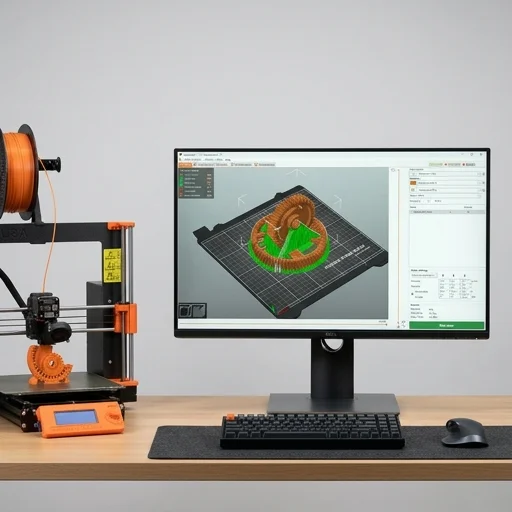 #154.6/5Slicer Software
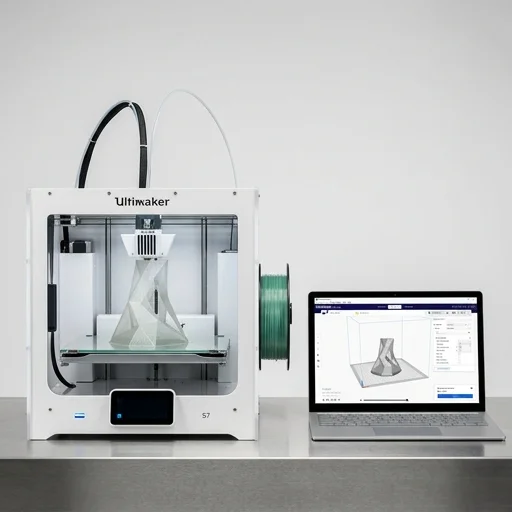 #284.5/5Slicer Software
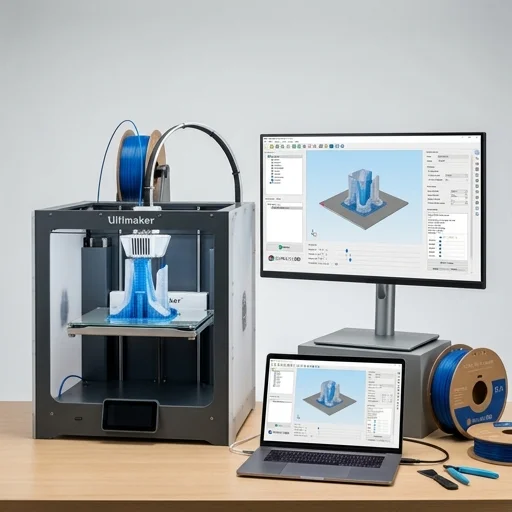 #643.8/5Slicer Software
 #54.6/5CAD Software