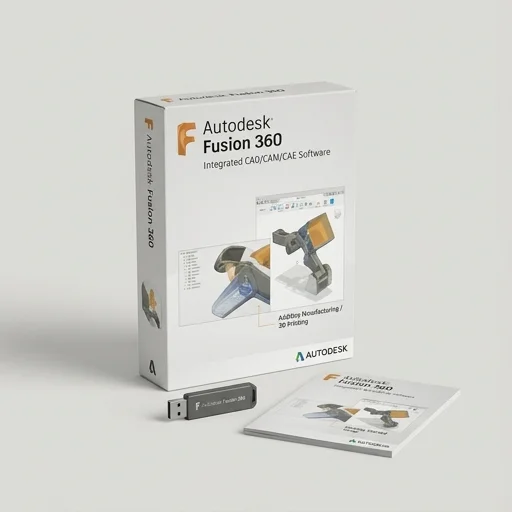
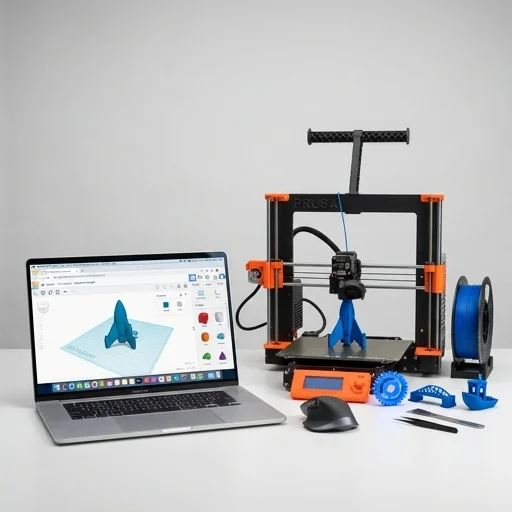
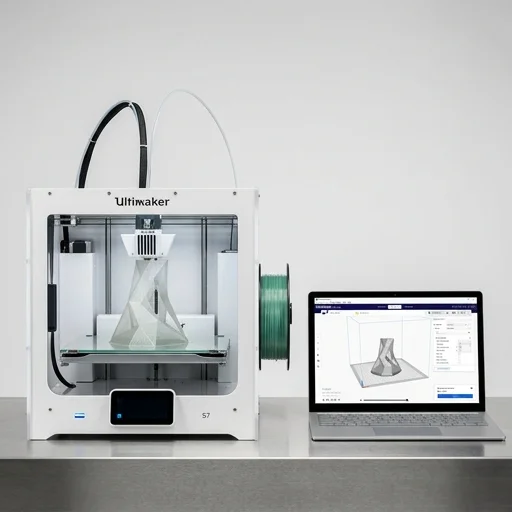
Autodesk Fusion 360 has become a go-to CAD platform for makers, engineers, and hobbyists who need to design parts specifically for 3D printing. Unlike simpler modeling tools, Fusion 360 combines parametric solid modeling, sculpting, and mesh editing in one workspace, allowing users to create intricate, functional geometry with precise dimensions and tolerances. This matters enormously in 3D printing, where wall thickness, overhangs, and support structures directly affect whether a design prints successfully. The software's parametric history feature means that if a print fails or a fit needs adjusting, you can simply edit the original sketch or feature and regenerate the model instantly rather than starting from scratch, which saves enormous time during iterative prototyping.
On the bench
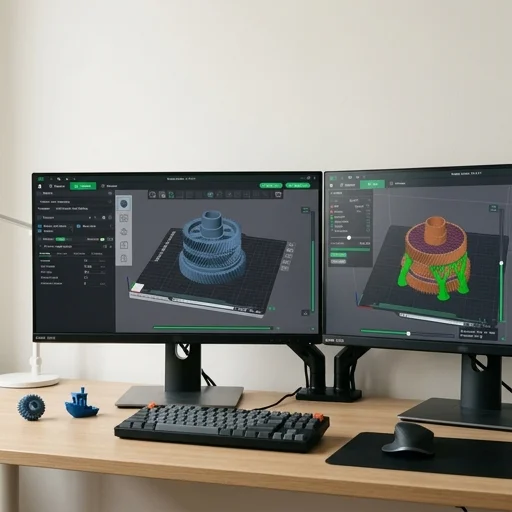
What sets Fusion 360 apart for additive manufacturing is its built-in mesh-to-solid workflow and generative design tools that are increasingly tailored toward printable output. Users can import STL files, repair mesh errors, and convert scanned or sculpted geometry into editable solid bodies ready for further refinement. The generative design module lets engineers input load conditions, materials, and manufacturing constraints—including selecting additive manufacturing as the fabrication method—so the software proposes organic, lightweight structures that would be impossible to machine traditionally but are perfectly suited to layer-by-layer printing. This makes Fusion 360 valuable not just for drafting simple brackets or enclosures but for producing complex lattice structures, topology-optimized parts, and organic shapes that maximize strength while minimizing material use and print time.
Living with it
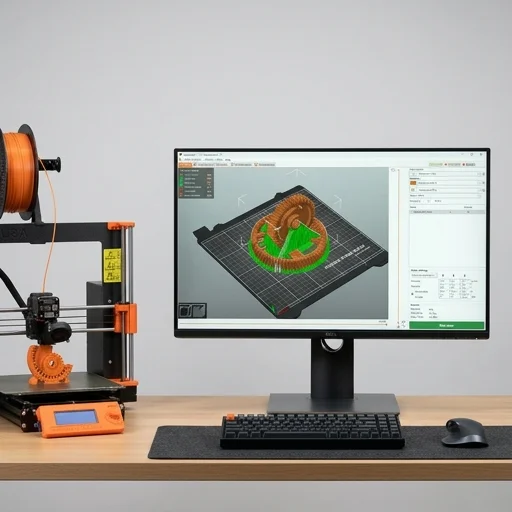
Beyond modeling, Fusion 360 integrates directly with slicing preparation through export options and add-ins that streamline the path from design to printer. Users can assign appearance and material properties to preview how a print might look, check wall thicknesses using built-in inspection tools, and export clean, watertight STL or 3MF files without the mesh errors that often plague other CAD exports. Its cloud-based collaboration features also let teams share designs, leave comments, and track version history, which is particularly useful for those iterating on prototypes across multiple print attempts. Combined with a generous free tier for hobbyists and startups, Fusion 360 has positioned itself as a comprehensive, accessible solution for anyone serious about designing parts that move smoothly from digital concept to physical, printed object.