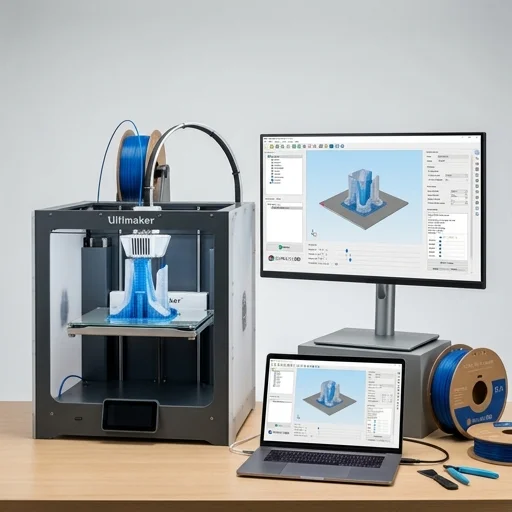
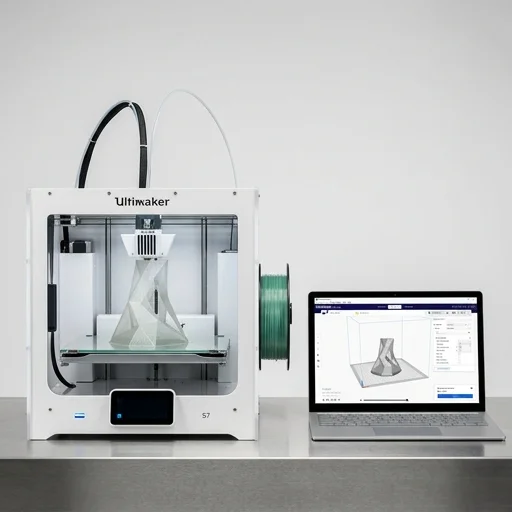
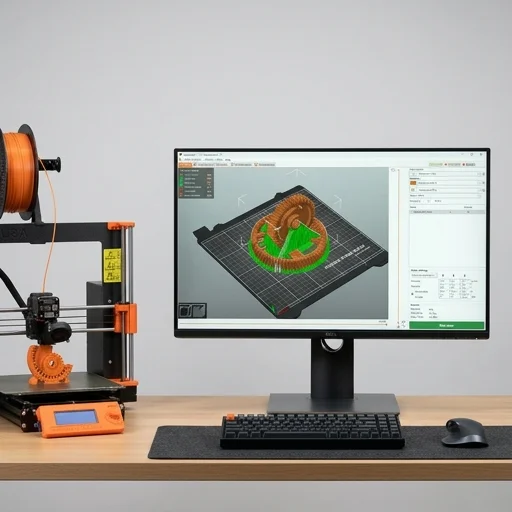
Simplify3D is a professional slicing software built for makers, engineers, and manufacturers who demand precise control over their 3D printing process. Unlike many free slicers that automate decisions behind the scenes, Simplify3D exposes granular settings for layer height, infill patterns, retraction, cooling, and support structures, letting users fine-tune every aspect of a print. Its centerpiece feature is arguably the most advanced support generation system on the market, allowing users to manually place, edit, and customize support structures exactly where needed rather than relying solely on automatic algorithms. This level of control makes it a favorite among users working with complex geometries, overhangs, and multi-material prints where off-the-shelf defaults simply don't cut it.
On the bench
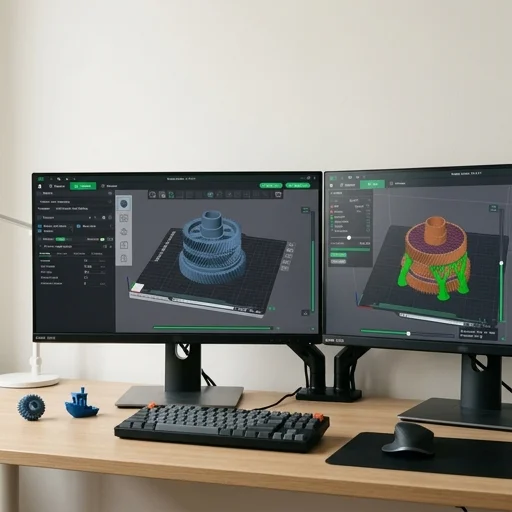
The software supports an extensive library of printer profiles, covering hundreds of desktop and industrial FDM machines, while also allowing fully custom machine definitions for those running modified or homebuilt printers. Its multi-process capability lets users apply different print settings to different regions of a single model, so a part can have dense infill in structural areas and sparse infill elsewhere, or varying temperatures and speeds across features within the same build. The built-in simulation mode previews the entire print path layer by layer before committing to plastic and time, helping catch problems like poor bridging, weak infill, or scheduling conflicts with multiple extruders. This kind of pre-print diagnostic is especially valuable for production environments where failed prints translate directly into wasted material and downtime.
Living with it
Simplify3D also includes tools for sequential printing, allowing multiple parts to be printed one at a time on the build plate to reduce collision risk and improve reliability for batch jobs. Its dual-extrusion and multi-material support extends to soluble supports, color changes, and combined rigid-flexible prints, giving hobbyists and small manufacturers alike the flexibility to tackle more ambitious projects. With decades of slicing expertise baked into its algorithms and a loyal user base that spans hobbyist desktops to industrial print farms, Simplify3D remains a go-to choice for anyone who wants deep, hands-on command over how their 3D prints are generated, rather than leaving those decisions entirely to default automation.