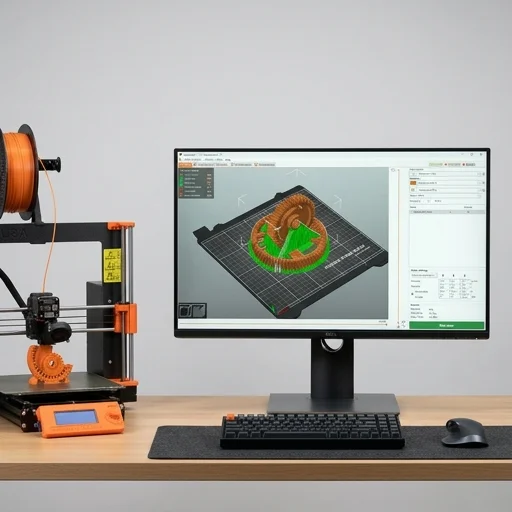
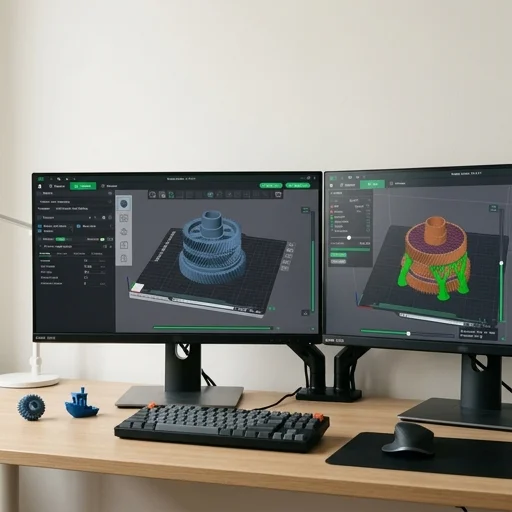
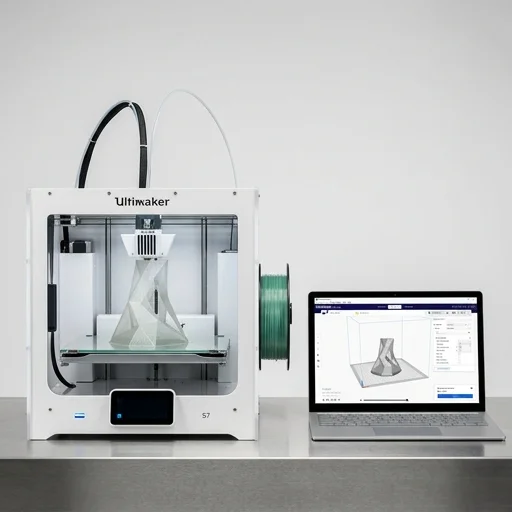
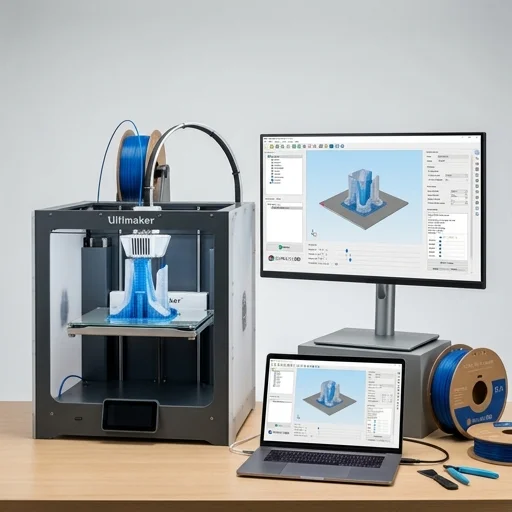
PrusaSlicer is the software that turns your 3D model into instructions your printer can actually understand, and it does so with a level of polish that has made it a staple among hobbyists and professionals alike. Developed by Prusa Research, the team behind the popular Original Prusa i3 and MK-series printers, this slicer takes STL, OBJ, or 3MF files and converts them into G-code, calculating everything from layer height and print speed to infill patterns and support structures. While it's optimized for Prusa's own hardware, the software is open-source and works well with a huge range of third-party FDM printers, plus it includes dedicated profiles for SLA resin machines, making it a genuinely versatile tool rather than a narrow, brand-locked utility.
On the bench
What sets PrusaSlicer apart is the sheer depth of control it offers without overwhelming newcomers who just want to hit print. The variable layer height feature lets you automatically thin out layers on curved surfaces for smoother finishes while keeping flat areas fast and efficient. Its custom supports system lets you manually place or block support material exactly where needed, saving filament and post-processing time. The sequential printing mode is particularly clever, allowing multiple objects to be printed one at a time off the print bed, reducing the risk of collisions during long multi-part jobs. Advanced infill options, including gyroid, honeycomb, and adaptive cubic patterns, give users fine-tuned control over strength-to-weight ratios, while the paint-on seam and support painting tools offer a visual, intuitive way to dictate exactly how a print behaves.
Living with it
Beyond the core slicing engine, PrusaSlicer includes practical extras that reflect its active development community, such as built-in calibration tests for flow rate and retraction, a multi-material and color-changing workflow for use with the Prusa MMU, and an object list panel that makes managing complex multi-part builds straightforward. It also integrates smoothly with PrusaConnect and octoprint-style workflows for remote monitoring and printing. Regular updates keep pace with new printer releases and emerging filament technologies, ensuring the software doesn't stagnate. For anyone serious about 3D printing, from tinkerers refining their first prints to engineers producing functional prototypes, PrusaSlicer delivers a dependable, feature-rich foundation that balances accessibility with the granular control power users demand.