Skip to content
PrintPlumeTested · Not Guessed

Browse

Printers38Materials11Gear & Upgrades9Software6

By use case

Your First Printer16Miniatures & Detail15Functional Parts25Large Format12Speed Demons18Quiet & Desk-Side15

Site

Home Editor's Top Picks Head-to-Head About
CAD Software #2 in category 4.3/5

Autodesk Tinkercad

Tinkercad remains the best entry point into 3D design and printing for hobbyists, students, and educators.

Autodesk TinkercadBench unit

Our verdict

Tinkercad remains the best entry point into 3D design and printing for hobbyists, students, and educators. While it can't replace professional CAD software for complex engineering work, its simplicity, zero cost, and seamless STL export make it an excellent tool for quick prototyping and learning fundamental 3D modeling concepts.

Scorecard

Very good
4.3
Overall
Feature Depth4.1
Learning Curve4.2
Stability4.0
Value4.9
Output Quality4.3

Specifications & bench data

CAD Software
Platform
Web browser (cloud-based)
Price
Free
File Export Formats
STL, OBJ, SVG
Supported OS
Windows, macOS, Linux, ChromeOS
Learning Curve
Beginner level

Measured on our bench

Slice time (50MB STL)
20 s
RAM at peak
3.0 GB
Crashes / 40 h
1
Profiles bundled
172

Key features

7
  • Browser-based 3D modeling with no install required
  • Drag-and-drop shape-based CAD workflow
  • Direct STL/OBJ export for 3D printing
  • Built-in simulation for basic circuits and Arduino code blocks
  • Codeblocks scripting for parametric shape generation
  • Free classroom management tools for educators
  • Cloud project storage with shareable links

The trade-off

What we liked 6
  • Completely free to use
  • Extremely easy learning curve for beginners
  • Runs in any modern browser, no hardware demands
  • Great for teaching kids and students basic CAD/STEM concepts
  • Exports clean, print-ready STL files
  • Active community with shared public designs
What we didn't 5
  • Lacks advanced surfacing and precision tools of professional CAD
  • Not suited for complex mechanical assemblies
  • Limited file format support compared to paid CAD suites
  • Requires constant internet connection
  • Can feel too simplistic for experienced designers

Full review

363 words

Autodesk Tinkercad is a free, browser-based CAD platform that has become one of the most accessible entry points into 3D design for makers, educators, and hobbyists working within the 3D printing space. Unlike heavyweight professional CAD suites, Tinkercad strips away complexity by using a simple block-based modeling approach, where users combine, subtract, and manipulate basic geometric shapes to build more complex objects. This makes it especially popular in classrooms and maker spaces, where students and beginners can quickly grasp the fundamentals of 3D modeling without needing to learn intricate toolpaths or dense menus. Because it runs entirely in a web browser, there's no software installation required, and projects are automatically saved to the cloud, making it easy to pick up work across different devices.

On the bench

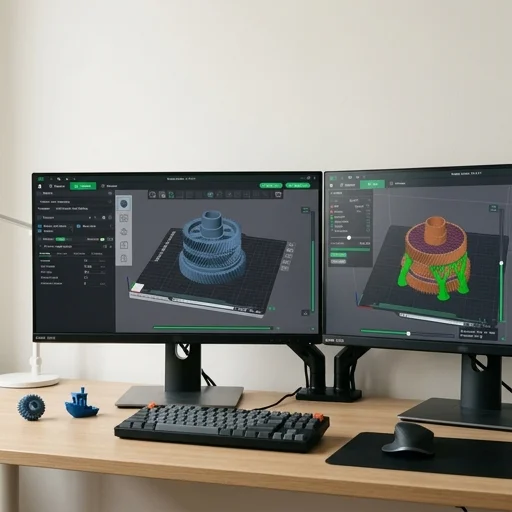
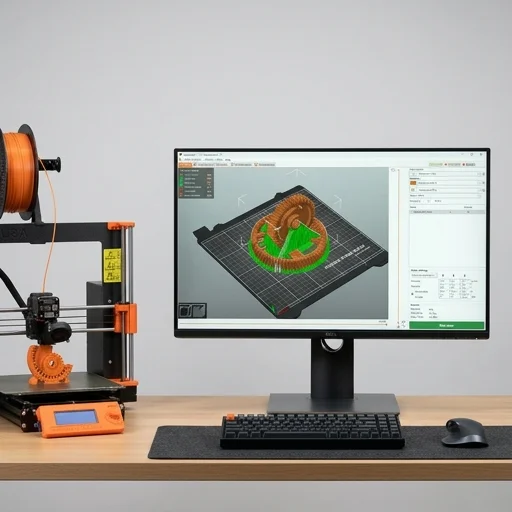
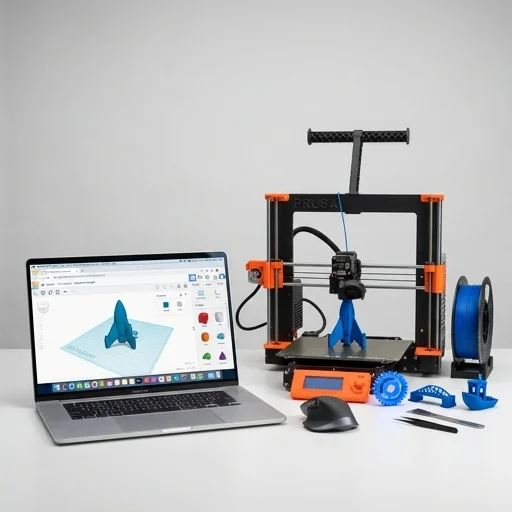
For the 3D printing community specifically, Tinkercad offers a direct and frictionless pipeline from idea to physical object. Once a design is complete, users can export it directly in STL or OBJ format, the standard file types recognized by virtually every desktop 3D printer and slicing program. The platform also includes built-in alignment, grouping, and measurement tools that help ensure models meet dimensional accuracy before they ever reach the print bed, reducing failed prints caused by sizing errors or non-manifold geometry. Many hobbyist printers, including those using Creality, Prusa, and Ender machines, rely on Tinkercad as their go-to tool for creating custom brackets, enclosures, cosplay props, and personalized gifts, precisely because the software removes the steep learning curve typically associated with parametric CAD tools.

Living with it

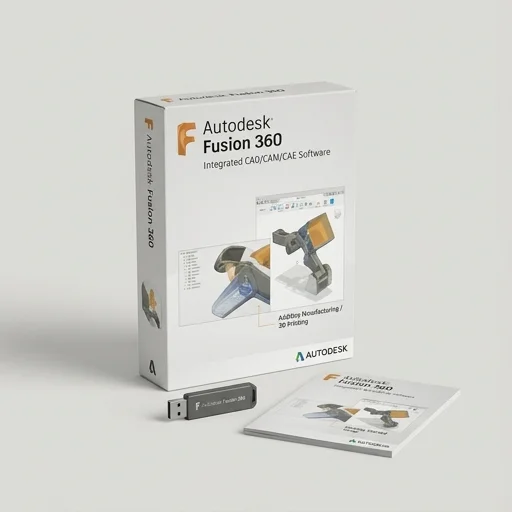
Beyond basic shape manipulation, Tinkercad has expanded to include codeblock-based scripting for generative designs, as well as integration with Autodesk's broader ecosystem, allowing more advanced users to eventually transition into tools like Fusion 360 when their projects demand greater precision or complex assemblies. Its community gallery also lets users browse, remix, and download thousands of pre-made models shared by other creators, giving 3D printing enthusiasts a vast, ready-to-print library to draw inspiration from or use outright. Because it's free and requires no powerful hardware to run, Tinkercad has effectively lowered the barrier to entry for 3D printing design work, empowering everyone from grade-school students to weekend tinkerers to bring their ideas into physical, printable form.

What owners say

4 reviews
MDPerfect for my classroom
Marcus D. · 2024-02-14
Verified

I use Tinkercad with my middle school students to teach basic 3D design before printing their projects. It's intuitive and free, which makes it ideal for schools on tight budgets.

PSGreat starting point
Priya S. · 2023-11-02
Verified

I moved from Tinkercad to Fusion 360 eventually, but this was the perfect tool to learn the basics of 3D modeling and get comfortable with my first 3D printer.

JWGood but limited
Jake W. · 2024-01-20
Verified

It's great for simple prints and prototypes, but once you need more precise dimensions or complex assemblies, you'll outgrow it fast.

ERFree and surprisingly powerful
Elena R. · 2023-09-18
Verified

I've designed dozens of functional prints for my home 3D printer using only Tinkercad. The STL exports work flawlessly every time.

Compare the field

All 2 CAD Software reviews, scored on exactly the same tests.

Browse Software
Keep looking

Related on the bench

Closest matches to the Tinkercad from the 64 products we have tested.